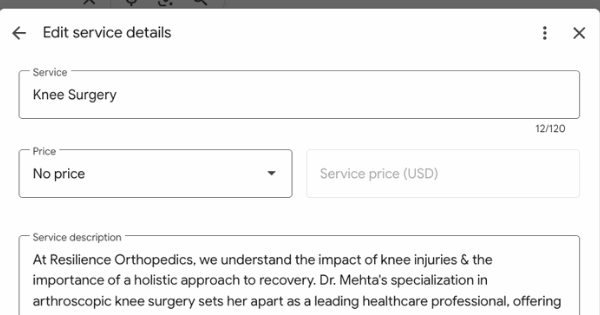

Why Your Google Business Category Matters
Your primary Google Business category is the single most important factor in how your healthcare practice ranks in local search results. If a patient is searching for “orthopedic surgeon near me” but your business is listed under the general category “doctor”, your practice is much less likely to appear in search results.
Choosing the right category helps Google match your services with what patients are actively searching for, increasing your visibility and ensuring you attract the right kind of patients.

Primary vs. Secondary Categories
Google allows you to choose one primary category and up to nine secondary categories.
- Primary Category: Should describe your core specialty, the service you most want to be found for.
- Secondary Categories: Support your main listing by capturing other services you provide.
For example:
- A general orthopedic surgeon should choose “Orthopedic Surgeon” as their primary category.
- A hand surgeon who doesn’t treat hips, knees, or shoulders should select “Hand Surgeon” as their primary category, while still including “Orthopedic Surgeon” as a secondary option.
How to See What Categories Your Competitors Are Using
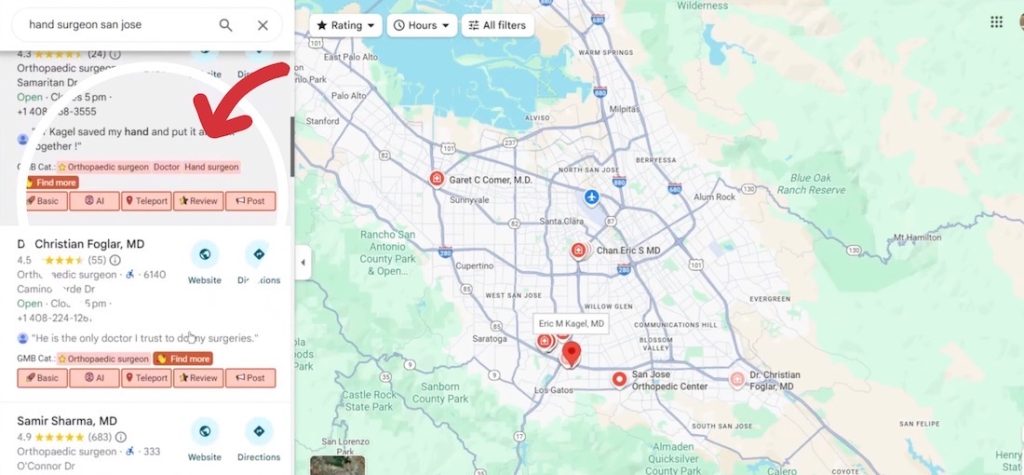
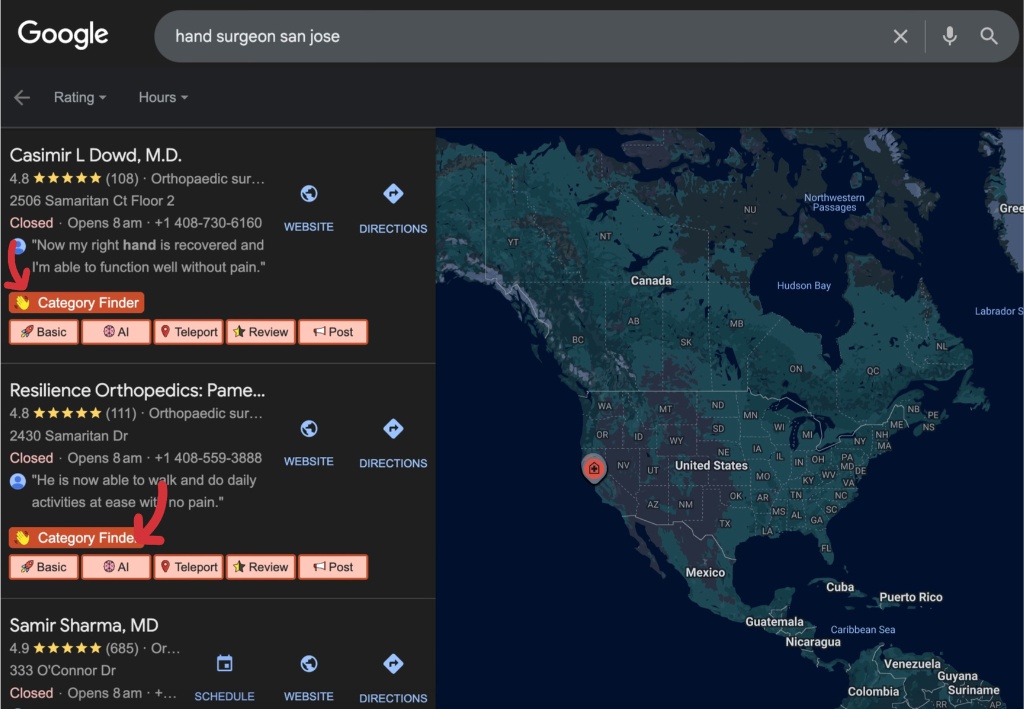
One of the best ways to make informed choices is to check your competitors’ Google Business categories. A free browser extension called GMB Everywhere makes this easy.
- It shows which categories the top-ranking practices in your area are using.
- You’ll often notice that top results are more specific (e.g., “Hand Surgeon”) rather than broad (e.g., “Doctor”).
- Most businesses only use one or two categories, which means you have an opportunity to stand out by using the full set of up to nine.
How to Update Your Categories
Updating your categories is simple:
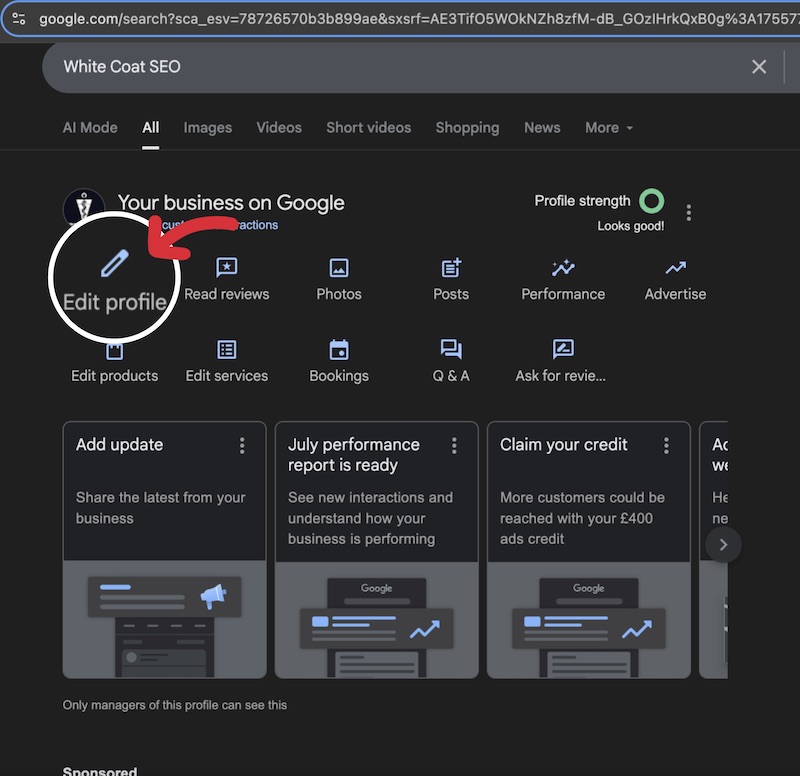
- Go to your Google Business Profile (log in with your associated Google account).
- Search for your business name and click “Edit profile.”
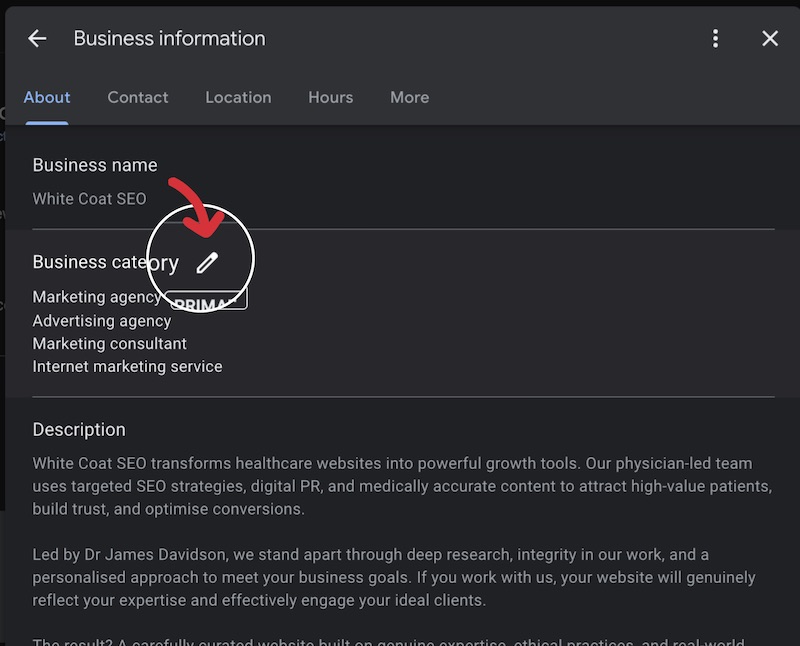
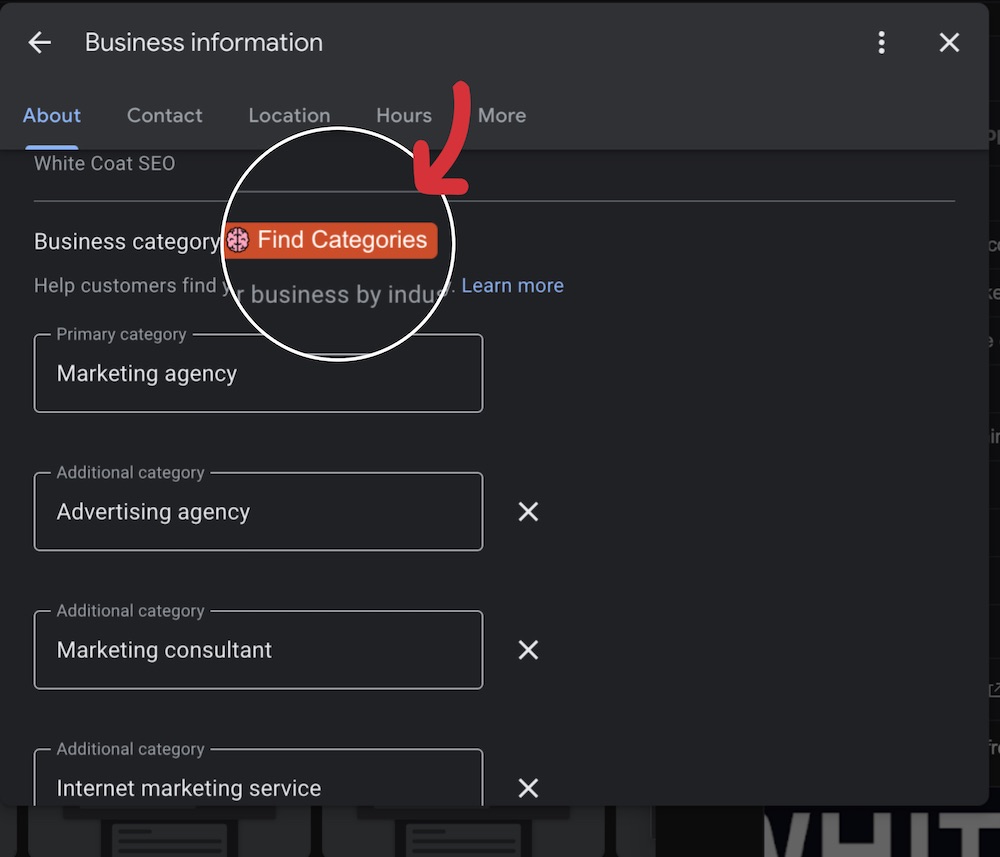
- Scroll to Business Category and update your primary and secondary selections.
- Use the “Find Categories” feature in GMB Everywhere to discover additional categories and boost your presence.
We have built a searchable list of every category available to healthcare clinics on your Google Business Profile, in the wording Google actually shows UK businesses. You can search it for what you do and copy the exact string, or browse a section for ideas.
Below you will find some guidance when it comes to breaking down what categories best represent your business.
Your Complete Category Strategy Checklist
For Single-Specialty Practices:
- Choose the most specific medical specialty that describes your primary focus
- Examples: Cardiologist, Endocrinologist, Dermatologist, Orthopedic surgeon
- Add broader categories as secondary options
For Multi-Service Healthcare Facilities:
- Use a more generalised primary category, like “Medical clinic” or “Healthcare facility”
- List every specialty and service you offer as additional categories
- Don’t leave any category slots unused
Universal Best Practices:
- Be specific enough to capture targeted searches, but not so narrow that you exclude core services
- Research successful competitors in your area using GMB Everywhere
- Make sure to review and update categories as your services evolve
Practical Examples
- Orthopedic Clinic: Primary – Orthopedic Surgeon | Secondary – Hand Surgeon, Sports Medicine Physician, Sports Medicine Clinic
- Hair Transplant Clinic: Primary – Hair Transplantation Clinic | Secondary – Hair Replacement, Skin Care Clinic, Hair Removal Service
- General Medical Clinic: Primary – Medical Clinic | Secondary – Cardiologist, Endocrinologist, Diabetes Specialist, etc.
The goal is to be specific enough to match searches, but not so narrow that you miss out on patients looking for related services. It is worth using as many subcategories as possible, as long as they are relevant and applicable to your practice.
Learning from Category Selection Mistakes
A hair transplant clinic in Leeds provides a perfect example of missed opportunity. Their primary category was simply “clinic”, a generic choice that buried them in search results. Meanwhile, higher-ranking competitors strategically selected multiple relevant categories:
- Hair removal service
- Hair replacement service
- Hair transplantation clinic
- Skin care clinic

This comprehensive approach helps practices rank for every service they offer, capturing patients regardless of how they search.
Conclusion: A Simple Step with Big Results
Selecting the right Google Business categories is a quick win that can dramatically improve your clinic’s online visibility. Whether you’re a single-specialty practice or a multi-service clinic, the right combination of primary and secondary categories ensures patients can find you when they need you most.
Take action today: Log into your Google Business Profile, update your categories, and give your practice the visibility it deserves.

Former NHS doctor. Writes about durable, clinically-sound search for specialist clinics. Diagnosis before prescription, every time.